Professional reports from energy simulations
Generate professional PDF reports of your energy simulations. Present simulation results clearly to clients with pre-formatted reports that inspire confidence.
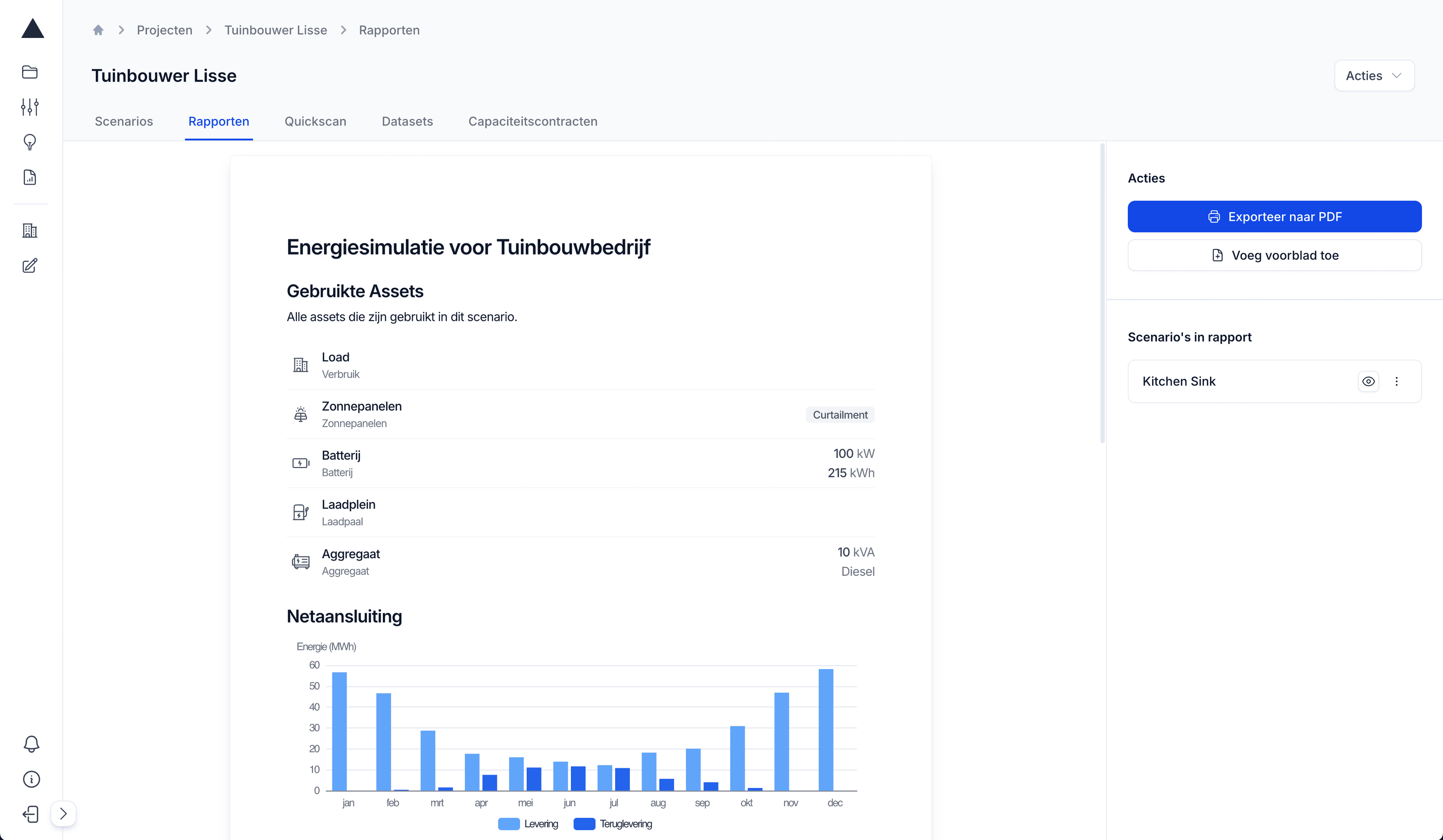
Professional presentation
Transform complex simulation data into clearly presented PDF reports that inspire confidence.
- Ready-made templates
- Consistent branding
- Clear visualizations
Enormous time savings
From simulation results to presentation-ready report in one click. No more manual data export needed.
- Automatic data extraction
- Direct PDF generation
- No manual formatting
Build trust
Strengthen your expertise with professionally designed reports that make complex analyses understandable.
- Credible presentation
- Clear communication
- Professional appearance
How to make a report in Wattix
How do you explain a simulation to a client who doesn't read 15-minute data? With a report that shows the outcome in charts and key figures. In Wattix you build the report from the results of your scenarios, write your own commentary and share it as a PDF.
- What you put in
- The scenarios in your project. You start from a template, from Wattix or from your own organisation, or from a blank report, and add a cover page with a title, logo and brand colour.
- What Wattix calculates
- Wattix fills the blocks in the report with the results of your scenarios: a table of the assets, key figures such as import, export and days with an exceedance, a year calendar, monthly and daily charts and a scenario comparison. You edit all the text around them yourself.
- What comes out
- A report you share within your organisation and export as a PDF to send to your client. Because it comes from the same simulation, the figures in the report always match the calculation.
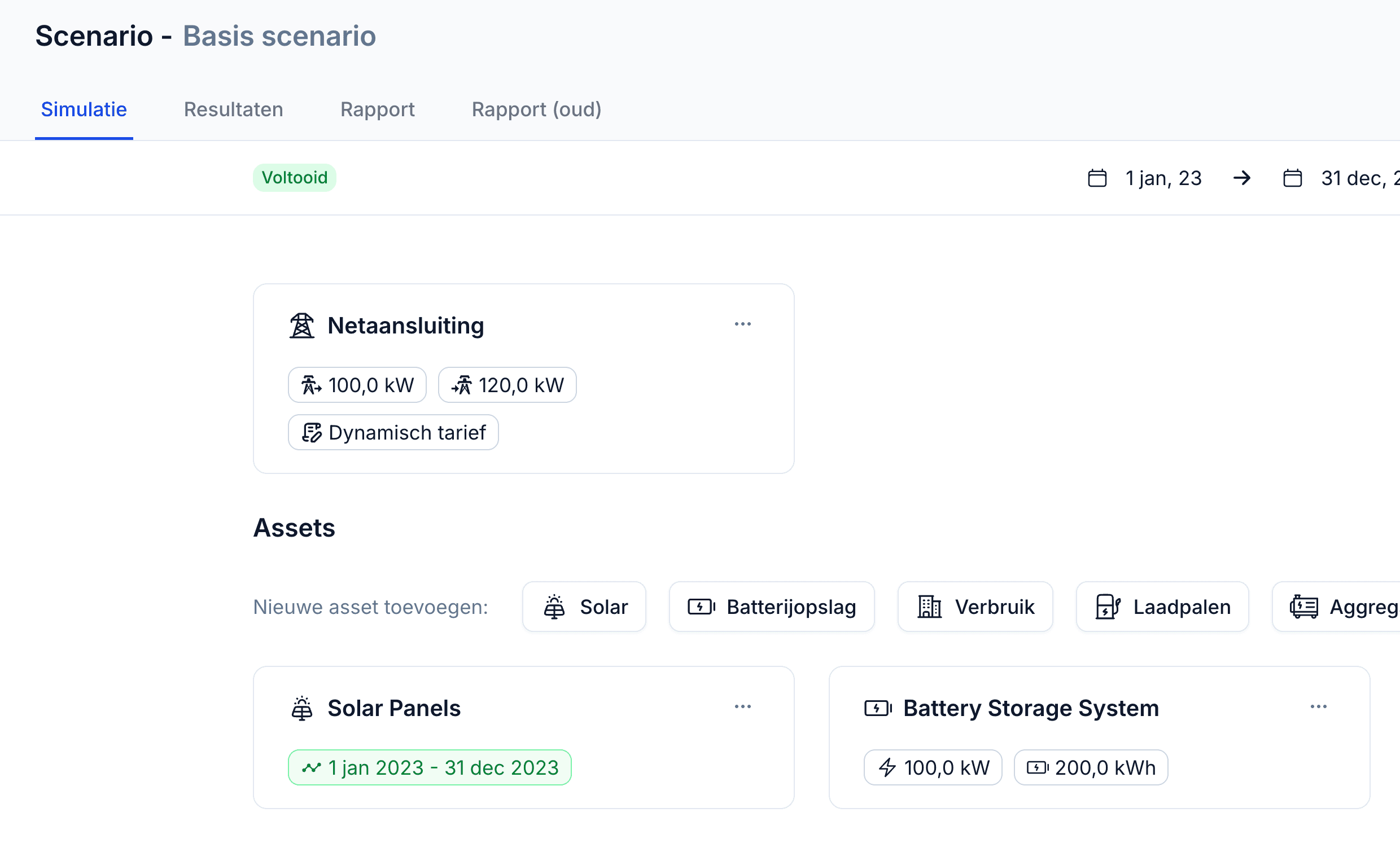
Complete your energy simulation
Configure your project with assets, contracts and optimizations as desired
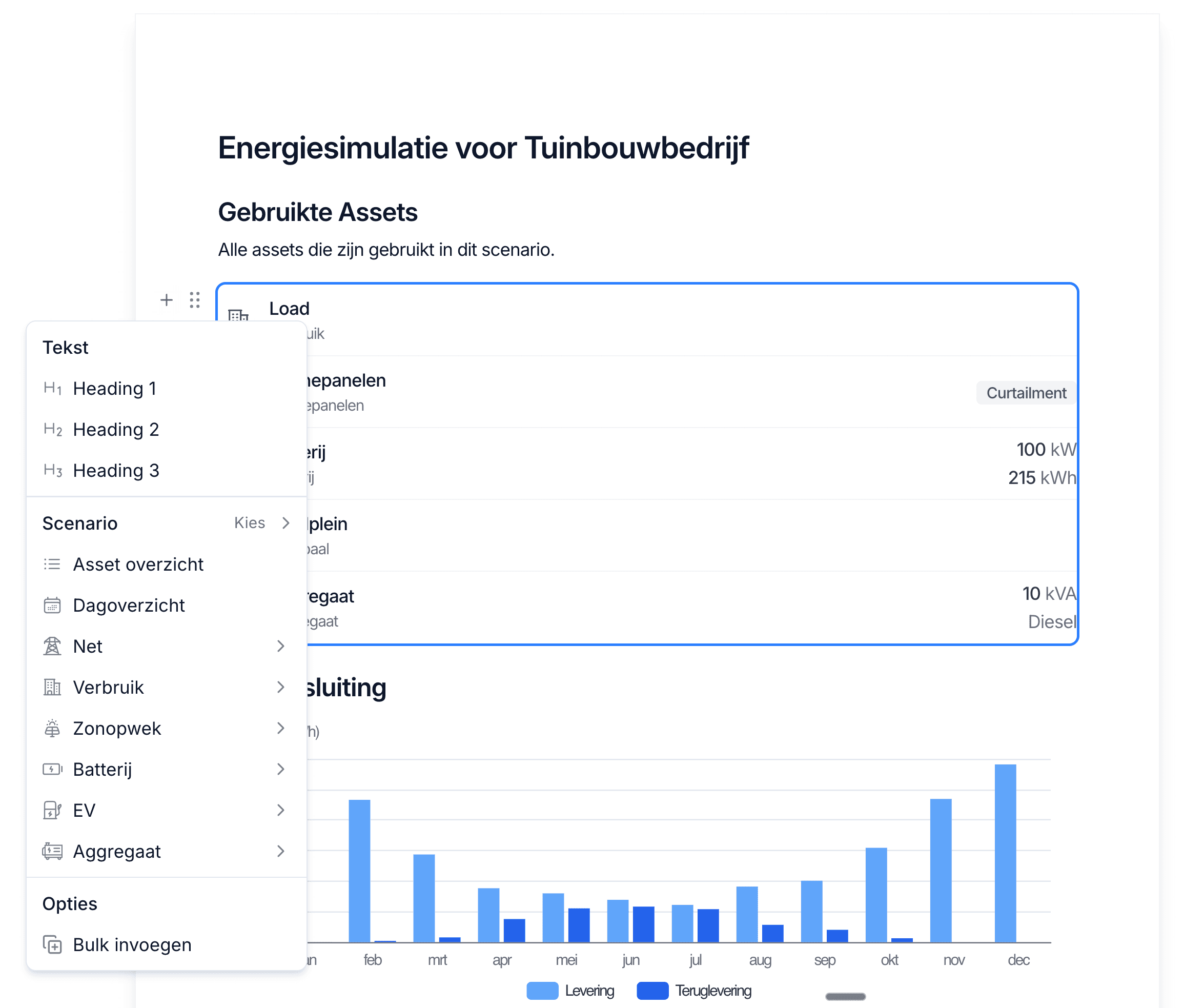
Edit the report
Adjust texts, charts and settings to your preferences
Generate and download PDF
Receive a professional PDF report ready for presentation immediately
Essential for professional energy advice
Reports helps installers and consultants professionally present simulation results
Client presentations
Present energy solutions clearly to clients with professional visualizations
Project proposals
Strengthen quotes with data-driven analyses and clear business cases
Grid congestion studies
Document grid capacity analyses and asset optimizations for grid operators
Feasibility studies
Deliver solid analyses for sustainability projects and energy transition initiatives
Powerful reporting features for professional communication
Key metrics KPIs
Automatically calculated KPIs such as sustainability percentage, energy costs per kWh and grid capacity adherence
Visual charts
Clear visualizations of energy flows, peak load and asset performance directly from simulation data
Various report types
Grid congestion reports now available, energy balance, storage and EV reports in development
One-click generation
Directly from your simulation to professional PDF without complex data export or manual formatting
Simulation integration
All data directly from your Wattix simulations - no external data sources or manual input required
Professional templates
Pre-designed reports that radiate expertise and present complex analyses understandably

“Client reactions have been very positive. Barely any questions, the graphs speak for themselves. We were able to present it as a clear story and show the client exactly what's possible.”
Frequently asked questions about reports
What goes into a report?
Whatever you put in: a cover page, an overview of the assets, key figures per scenario, a year calendar with exceedances, monthly and daily charts and a scenario comparison. Between the blocks you write your own commentary.
Can I make the report in my own house style?
Yes. The cover page carries your own logo, title and colour. With templates at the level of your organisation, every report starts in the same layout.
How do I share the report with my client?
You export it as a PDF and send it to your client yourself. Colleagues in your organisation also see the report in Wattix.
Can I compare several scenarios in one report?
Yes. You add several scenarios to the report and put them side by side in a comparison block, so your client can choose.
Related pages
- Grid congestionFind the peak moments and show what is still possible without a grid upgrade.
- Behind-the-meter battery storageSize storage for peak shaving and for using more of the energy you generate.
- Wattix for energy consultantsBack up your advice with transparent assumptions and scenarios side by side.
Professionalize your energy advice with Reports
Transform simulation results into confidence-inspiring PDF reports in one click. Save hours of manual formatting and strengthen your professional appearance.
Schedule a demo