Compare and optimize energy contracts
Compare and optimize energy contracts in complex energy management setups. Analyze the impact of different contract types on costs and asset control.
Complete contract comparison
Compare fixed, variable, dynamic, capacity tariffs and flex contracts in one overview.
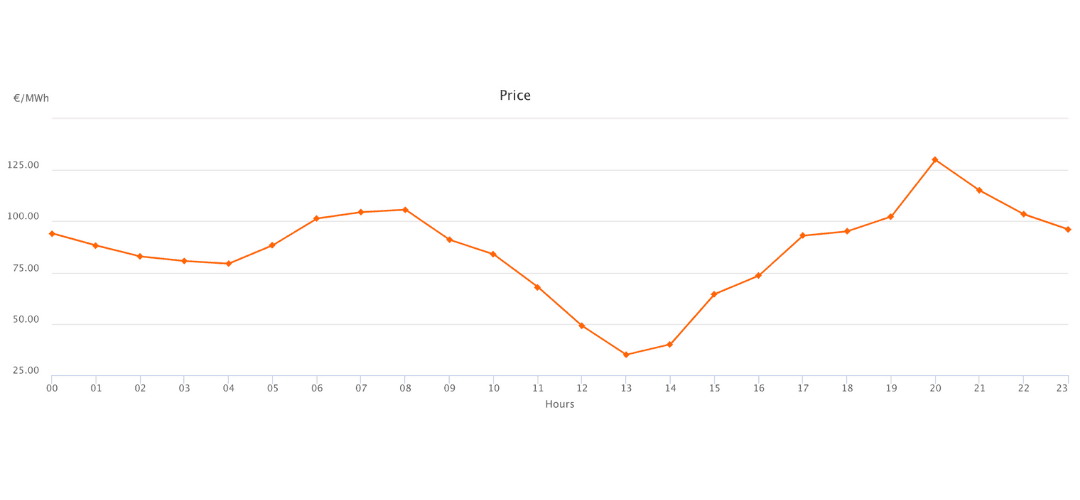
- Day-ahead pricing
- CBC & Block power
- Capacity tariffs
Asset control optimization
Analyze how different contracts affect the control of batteries, charging stations and production.
- Demand-side management
- Supply-side control
- Optimal asset deployment
Model capacity contracts
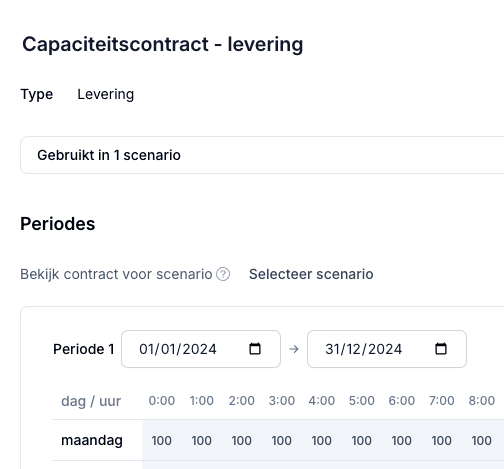
Check whether a profile fits a capacity contract with a different limit per hour, per weekday or per period.
- Limits per hour and per weekday
- For import and export
- Less room, or extra room
How to compare energy contracts in Wattix
Which energy contract suits a business with a battery, solar panels or charge points? That depends on when power is imported and exported, and how the assets respond to it. Wattix works through each contract in 15-minute steps, with the asset dispatch that is cheapest under that contract, so you compare contracts on equal terms.
- What you put in
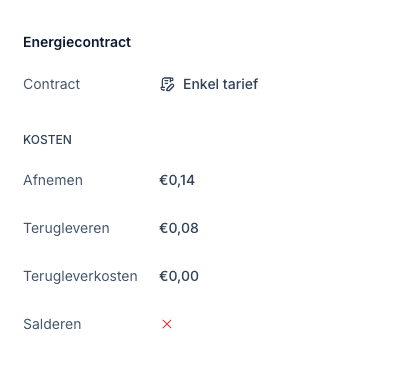
- One energy contract per scenario: a single or dual rate, or a dynamic contract on the day-ahead price plus a markup. You set the import and export tariffs, any feed-in costs and whether net metering applies. Then the grid operator and connection type, so transport costs and contracted capacity count too, and any capacity contracts with a different limit per hour.
- What Wattix calculates
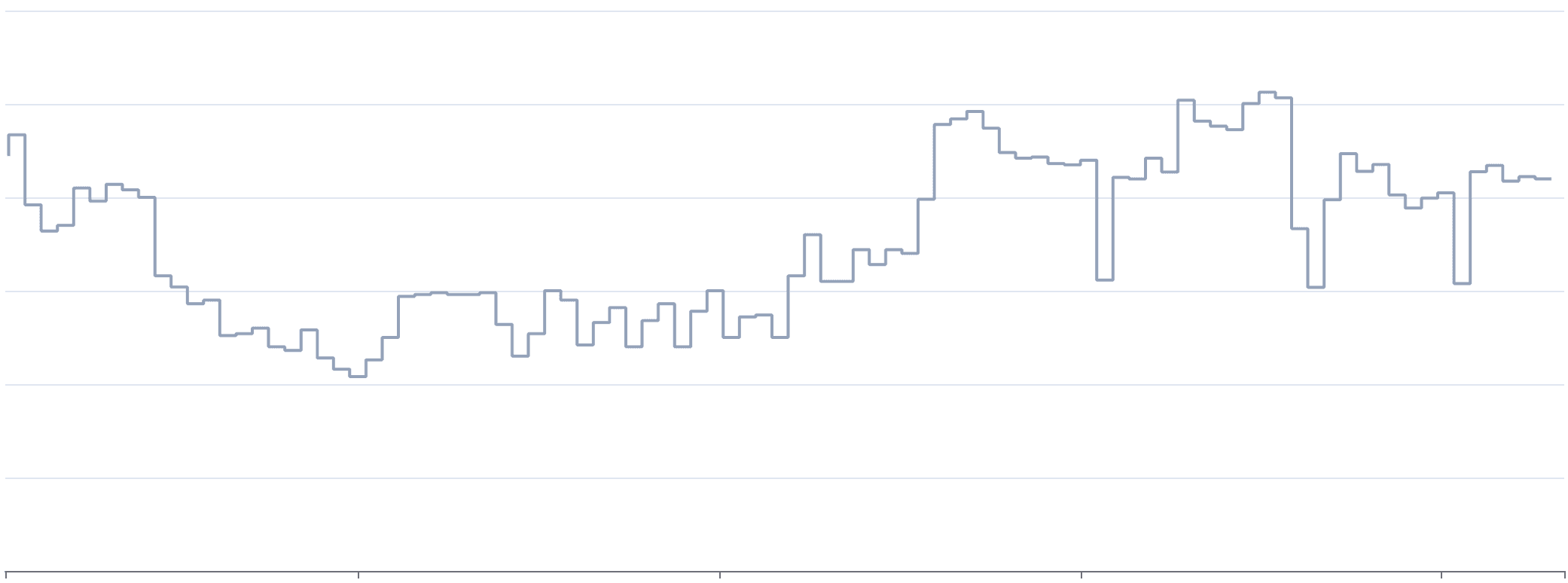
- For each scenario Wattix optimises the dispatch of batteries and other controllable assets on that contract's costs, in 15-minute steps over the whole period of your data. For a dynamic contract Wattix uses the Dutch day-ahead prices per quarter hour. The monthly peak counts too, because it sets the transport costs.
- What comes out
- For each scenario the total energy costs, import and export, the peaks, the number of days with an exceedance and the self-sufficiency. Put scenarios with different contracts side by side and you see which contract suits this profile and these assets best.
Configure your energy system and assets
Add your consumption profiles, solar panels, batteries and charging stations
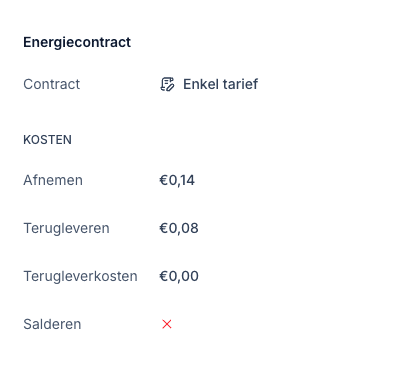
Select and configure contract options
Choose from fixed, variable, dynamic or flex contracts from different suppliers
Simulate with optimal asset control
Let the system determine the optimal deployment of your assets per contract
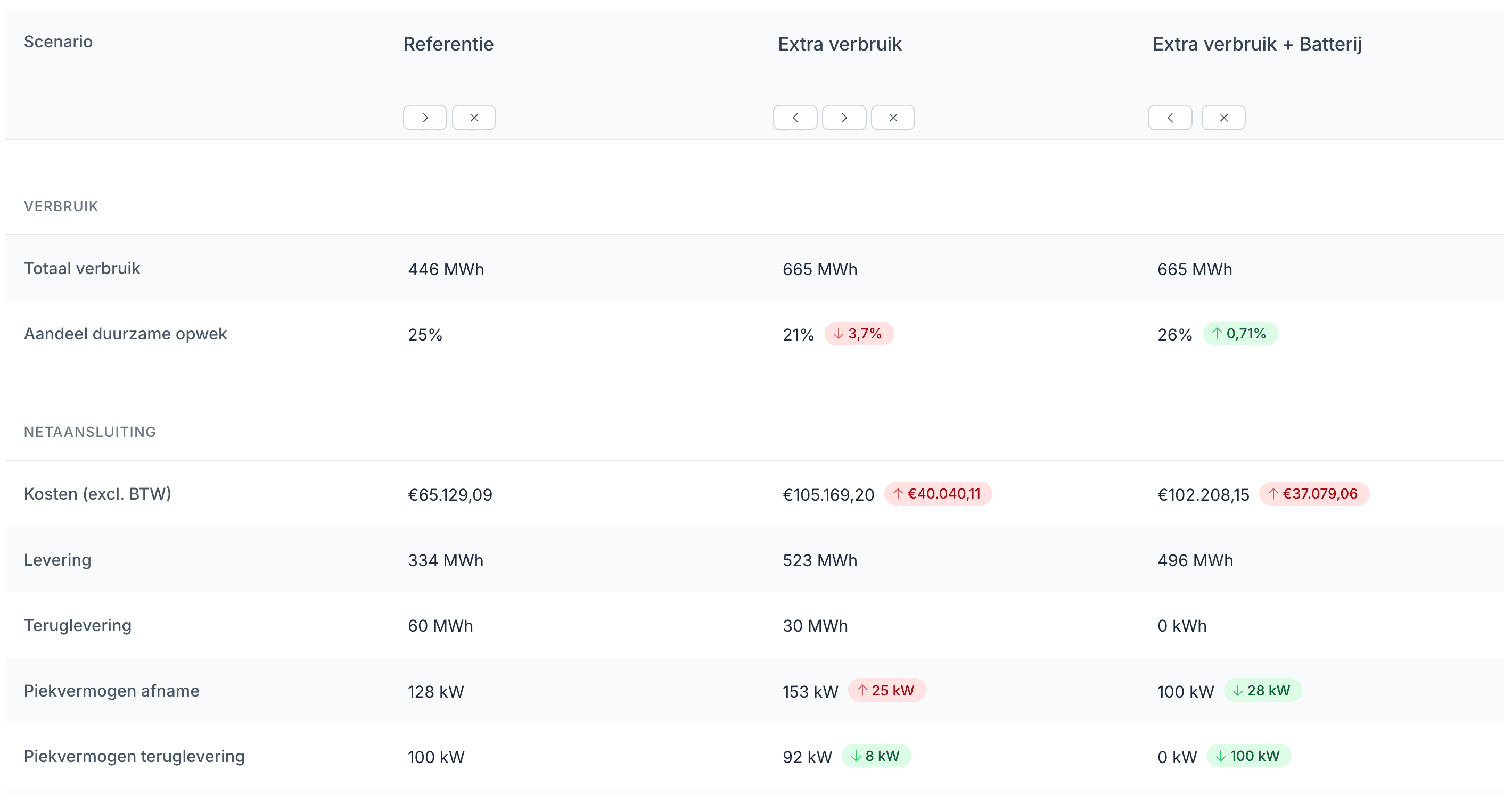
Compare costs and savings
Analyze total costs, peak load and sustainability potential per contract
Ideal for complex energy issues
Market Contracts helps professionals make data-driven contract choices
Energy intermediaries
Advise clients objectively on the best contract choice for their specific situation
Energy suppliers
Develop new contract types and analyze the impact for different customer segments
Real estate managers
Optimize energy costs for complete portfolios with different usage profiles
Energy consultants
Deliver data-driven advice with clear business cases for contract changes

“Before, we couldn't really back up our recommendations with a proper business case. With Wattix we can calculate multiple scenarios, compare the results side by side, and let the customer decide.”
Frequently asked questions about energy contracts
What is the difference between a single, dual and dynamic rate?
With a single rate you always pay the same price per kWh; with a dual rate the price differs between off-peak and peak hours. With a dynamic contract the price follows the day-ahead market per quarter hour, plus a supplier markup. The more the price varies over the day, the more a battery or shifted consumption can earn.
Does Wattix use real day-ahead prices?
Yes. For a dynamic contract Wattix uses the Dutch day-ahead prices per quarter hour, plus the markup you enter. Imbalance and intraday prices are not included.
Does Wattix include feed-in costs and negative prices?
Yes. For each contract you set the export tariff, any feed-in costs per kWh and whether net metering applies. With a dynamic contract Wattix uses the day-ahead price per quarter hour, including when it is negative, so you see when exporting costs money.
Can I model a capacity-limiting or time-block contract?
You enter capacity contracts with a different import and export limit per hour, per weekday and per period. With those you check whether a profile fits a contract that gives less, or more, room at certain hours. A non-firm ATO or a group transport agreement is not supported yet.
How do I know which contract is cheapest?
Set up a scenario for each contract with the same assets and compare them. Because Wattix optimises the asset dispatch for each contract, you compare the best result of each contract, not the same charging pattern under different prices.
Related pages
- Use more of your own solar powerUse more of what you generate, instead of exporting it at a feed-in cost.
- Grid congestionFind the peak moments and show what is still possible without a grid upgrade.
- Wattix for energy partnersTurn metering data into concrete advice, for dozens of locations the same way.
Make data-driven contract choices with Market Contracts
Compare all contract types, optimize asset control and prepare for the energy transition.
Schedule a demo